



39.62cm Smart WiFi Digital Calendar & Chore Chart - HD Touch Screen Display, Wall-Mounted, Share Family Schedules & Instant Moments, Type-C Fast Charging, Black Frame


SPECIFICATIONS
Power Mode: USB
Applicable Age Group: 14+
Battery Properties: Without Battery
Material: ABS
Color: Black
Number Of Products: 1
Wireless Property: With Wi-Fi function
Product Charging Port: Type-C Port Charging
Does It Support Coordinated Fast Charging?: Yes
Does It Include A Charger?: Yes
Maximum Rated Power: 12W
Minimum Rated Power: 6W
Item ID: MA806927
step1:Tap the Lists icon in the sidebar to open lists.
step2:Tap the arrow next to the list name, such as Shopping List.
step3:Press +New List, Enter the new list name and choose a color and list type.
step4:Tap a list, and add items.
The video showcases the product in use.The video guides you through product setup.The video compares multiple products.The video shows the product being unpacked.
How to post photos
step1:Click on the photo option on the eCakendar App page
step2:Select a photo on your phone
step3:Enter the calendaremail address
The video showcases the product in use.The video guides you through product setup.The video compares multiple products.The video shows the product being unpacked.
How to synchronize the calendar
Notice:Syncing can only be done through the app.
step1:Open Sync in the home screen.
step2:Select "Sync a New Calendar".
When you sync a source calendar (like Google, iCloud, Outlook) with eCalendar any changes on your source calendar will automatically show up on the digital calendar.
The video showcases the product in use.The video guides you through product setup.The video compares multiple products.The video shows the product being unpacked.
How to set the alarm clock in sleep mode
step1:Tap the moon icon located in the bottom of the sidebar.
step2:Toggle on Sleep Mode Schedule and choose a time for your Calendar to go to sleep and to wake up. Press Save to confirm.
Notice:When your Calendar is in Sleep Mode, you can tap the power button at any time to wake the device up.
The video showcases the product in use.The video guides you through product setup.The video compares multiple products.The video shows the product being unpacked.
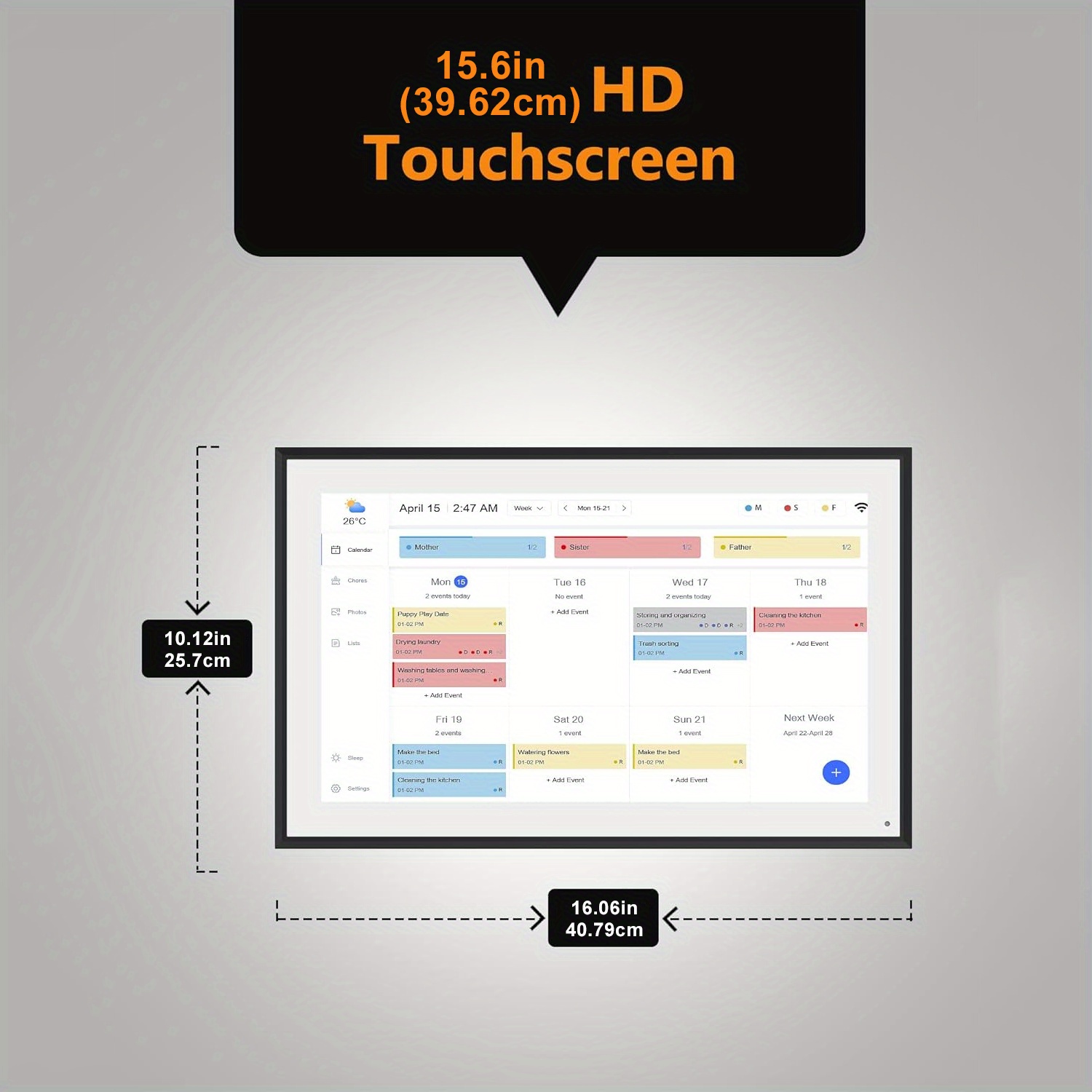
| Color |
Black |
|---|
At Therapy Products Hub, we strive to ensure your satisfaction with every purchase. If you're not completely satisfied or encounter any issues with a product, please review the following guidelines for returns.
Faulty or Damaged Products
If the product you received is faulty or damaged, please contact our Customer Service team at 0415 410 167 or sales@therapyproductshub.com.au to report the issue. We will arrange for the product to be collected from you at no charge, or we may ask you to dispose of it responsibly. If a pickup is arranged, a Goods Return Authority (GRA) number will be provided, which must be clearly displayed on the outer return packaging.
Upon return, you can choose from the following options:
Replacement of the product
Refund of the purchase price
Credit on your Therapy Products Hub account for future use.
Refunds will be processed using the original payment method. Please ensure you have a copy of the delivery docket, invoice, or proof of purchase documentation for verification.
Change of Mind Policy
If you change your mind about a product and wish to return it, Therapy Products Hub will accept returns under the following conditions:
The product is a standard stock item and was not specially ordered upon your request.
For nutritional products, they must have at least 30 days of shelf life remaining and not require special storage.
You contact our Customer Service team within 14 days of receiving the product.
The product remains in its original, unused condition. Packaged items must be unopened, unmarked, and in a re-sellable condition.
Proof of purchase (delivery docket, invoice, etc.) is provided.
You obtain a GRA number by contacting our Customer Service team, and this number is displayed on the external return packaging (not on the product itself).
You agree to cover a restocking fee, which includes the cost of arranging the return (unless you personally return the goods to our warehouse).
If these criteria are met, you can opt for a refund or a credit on your account for future purchases.
Additional Rights
This Return Policy complements your rights under the Australian Consumer Law, and nothing within this policy restricts or limits those rights.
For any return inquiries or to initiate a return, please contact our Customer Service team at 0415 410 167. or sales@therapyproductshub.com.au. We’re here to assist you in making your return process as smooth as possible.